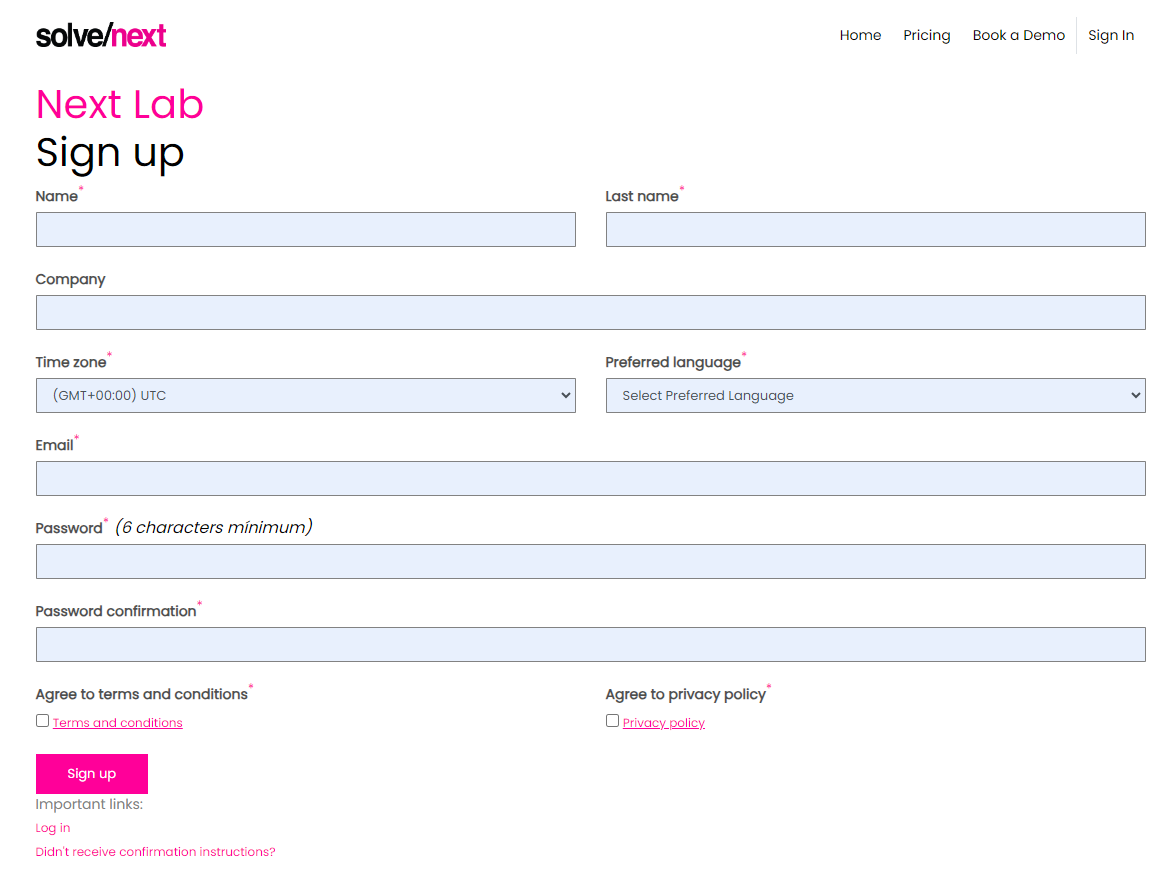
Go to the Sign-up Page and fill in the form; you will need to fill:
- Name
- Last Name
- Time Zone
- Preferred language
- Password and it’s confirmation
- Accept our Terms and Conditions and also our Privacy Policy.
After you send the information, you need to confirm your email (we need to make sure that you own said email). So, for this, you will get a confirmation email with a confirmation link on it; please click on the link. Once you confirm your email, you can log in via a magic email link or with your email and password.
Here is a picture of the sign-up form. To sign up for the lab, please visit https://lab.solvenext.com/users/sign_up
Here is a video on how to do this:
Was this article helpful?
That’s Great!
Thank you for your feedback
Sorry! We couldn't be helpful
Thank you for your feedback
Feedback sent
We appreciate your effort and will try to fix the article